How to Reduce Gaming Lag using IP Geolocation
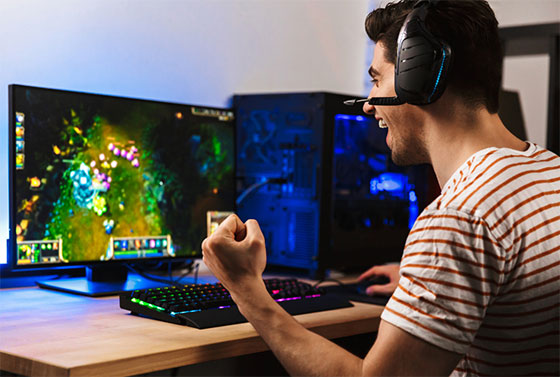
Gaming lag can be very frustrating and negatively impact your gaming experience. It can result in delays making your actions unresponsiveness. But you can reduce gaming lag using IP geolocation. IP geolocation finds the physical location of a device using its IP address. It can also help reduce gaming lag and improve the overall experience.
In this article, we will discuss how you can reduce gaming lag using IP geolocation. Let’s have a look!
Select the Nearest Game Server
One of the biggest reasons for gaming lag is the distance between your device and the server. The more distance there is, the more lag there is. Thus, to reduce the lag, you must choose the nearest server. You can use IP geolocation to select any nearby server. To do this, check your IP address and location using any online tool. Now, look for nearby servers and connect to them.
Avoid Server Overload
Server overload is also a big cause of gaming lag. A server can handle only a specific number of players, and when too many players are using the same server, it can result in server overload. By using IP geolocation, you can identify servers with high traffic and avoid them.
To avoid server overload, check server status before connecting and always connect to servers with low traffic. Also, connecting to servers during peak hours can increase gaming lag. So, avoid connecting servers during peak hours.
Select Low-Latency ISPs
Your internet service providers can also negatively impact your gaming experience by providing high-latency connections. So, always choose the service providers that provide low-latency connections. This will reduce the gaming lag and improve your overall gaming experience.
IP geolocation can help you find internet service providers with low-latency connections. So, always check the latency of the ISP before connecting. You can also use an internet speed test to check which ISP is providing the lowest latency in your area.
Use a Gaming VPN with Geo-Optimization
A VPN or virtual private network can also help reduce gaming lag. Some VPNs feature geo-optimization, which uses IP geolocation to help you connect to the nearest gaming server with low ping and latency. These VPNs can manage traffic by routing it from multiple paths, resulting in low ping.
But, while downloading the VPN, make sure you download the one specially designed for games because other VPNs can increase the lag. Also, download the VPN from a trusted source.